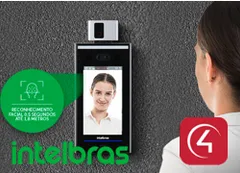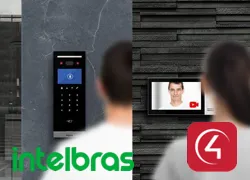
Control4 driver for integrating the Intelbras SS3542MF access control terminal and intercom. It uses the terminal’s native SIP protocol to provide a two-way intercom with audio and video, live camera in Navigator, remote door opening and custom action buttons during calls.
Once the SIP credentials are filled in, the driver automatically configures SIP on the terminal and the call destination. It can share the same Network driver with the Intelbras Access Control driver.
Installation
- Install and activate the ZoomDH – Intelbras Network driver.
- Add the Intelbras Intercom driver to the door’s room; it connects automatically to the Network driver.
- Enter “Device IP Address”, “Device admin Password”, “SIP Username”, “SIP Password” and “Group to Call”, with “Intercom Setup” set to Manual.
- Register the SIP extension in the Communication Agent.
- Optional: in Composer Pro, set up the custom buttons of the Doorstation proxy (e.g. “Open door”).
Features
- Two-way intercom with audio and video over native SIP
- Live camera in Navigator, configured automatically
- Remote door opening
- Custom action buttons during the call
- SIP configured on the terminal automatically by the driver
- Calls the selected Communication Agent group
Requirements
- SS3542MF or SS3542MF W terminal with SIP enabled
- ZoomDH – Intelbras Network driver in the project
- Control4 Communication Agent configured for SIP
- Control4 OS 3.x or later
More details about this driver: drivers@zoomdigitalhome.com.br