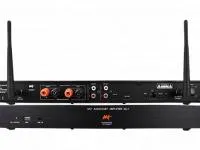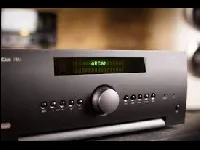
Driver for integrating Arcam AVR receivers with Control4. It supports network, serial and IR control; when more than one connection is made, the driver automatically uses the one with the highest priority (network, serial, IR).
Besides the receiver, the driver makes the AM/FM tuner, the Network Player and the USB input available as devices in the project.
Installation
- For network control, enable Network Standby, disable DHCP and set a static IP on the receiver
- Disable Auto Standby and HDMI Control on the receiver
- Enter the IP in the Network Connections tab in Composer
- For serial, use a straight-through cable (9600 bps, 8N1)
- Enter the key in “License Key”
Features
- Receiver control: power, volume and input selection
- AM/FM tuner and FM radio as devices in the project
- Network Player and USB as media players
- Active connection selected automatically by priority (network, serial, IR)
Requirements
- For network control: Network Standby on, static IP, Auto Standby and HDMI Control off
- For serial: straight-through cable, 9600 bps, 8N1
More details about this driver: drivers@zoomdigitalhome.com.br