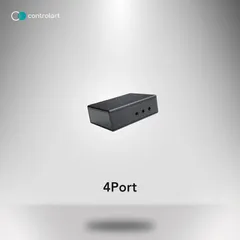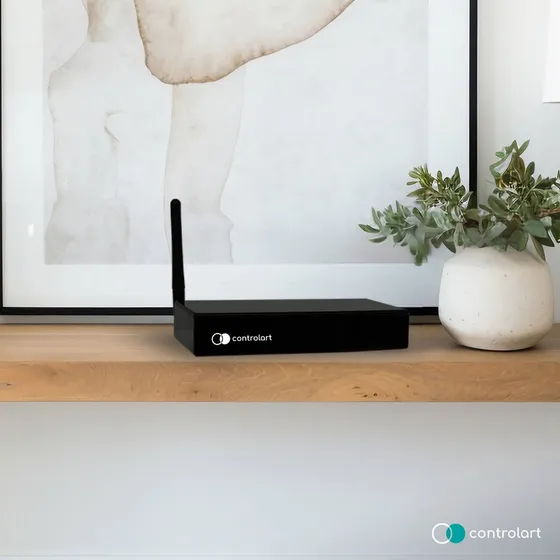
Driver for integrating the ControlArt 7Port and xPort IR/RF/RTS gateways with Control4. It provides native access to the IR ports and to the RS-232 serial port (7Port Serial and xPort), so any device with a Control4 driver can be controlled by infrared or serial.
With the companion drivers in the package, it also controls relays and RF 433 devices (gates, fireplaces, motors) and shades and blinds with RF 433 and RTS motors (Somfy and Tube), whose remotes can be created, renamed and imported directly from the driver Actions.
Installation
- Set the device IP with ControlArt software (7Config for the 7Port or xConfig for the xPort).
- Add the driver to the project and select the device in the “Hardware Model” property.
- Enter the IP in the “IP Address” property (and the “TCP Port”, if needed).
- Enter the key in “License Key” (the driver has a 30-day trial).
- On the 7Port Serial or xPort, set the speed in “Serial Baud Rate”.
- For RTS shades, use the “Adicionar controle RTS” (add RTS remote) Action with the motor in programming mode, or import the remotes already created in 7Config/xConfig.
Features
- Native access to the IR outputs for any device with a Control4 driver
- RS-232 serial port on the 7Port Serial and xPort, with configurable baud rate
- Control of RF 433 devices and Somfy or Tube RTS motors
- RTS remotes paired with the motor directly from the driver Actions
- Import of the RTS remotes created in 7Config/xConfig
- Extra drivers for IR/RF relays, IR/RF commands and RF/RTS shades
- Adjustable delays between IR and RF/RTS commands
- Automatic reconnection to the gateway and model detected from the serial number
Requirements
- ControlArt 7Port, 7Port Serial, 7Port Mini or xPort gateway with a static IP
- IP configured with ControlArt software (7Config or xConfig)
- Control4 OS 2.9.1 or later, with internet access for the license
Release notes
- 405
Licensing system update.
- 404
Changed the Tube RTS remote pairing command.
- 403
Fixed the RTS motor index initialization.
- 402
Licensing system update.
- 401
OS 2.9.1 compatibility.
- 400
7Port Mini support.
- 303
Workaround for a SendToDevice bug in OS 2.9.x and earlier.
- 302
Serial port speed property.
- 301
Hardware Model property, allowing the driver to be used with the xPort.
- 300
New version unifying the 7Port and xPort IR, RF and RTS drivers.
- 201
Fixed the date format to work around a bug in OS 3.
- 200
Improved license control, added version update info.
- 116
Fixed an issue in RS-232 serial communication on the 7Port Serial version.
- 115
Support for the new RTS Blind driver version with motor type selection.
- 114
Added support for the 7Port Enhanced version, FW > 3.0.
- 113
Improved network connection.
- 112
Fixed lost network connection after a long period of inactivity.
- 111
Fixed an error that occurred when the driver could not identify the correct 7Port model.
- 110
Improved commands.
- 109
Support for RTS blinds/louvers (firmware 2.4). Automatic firmware and TCP port check.
- 108
Support for the new version of the Blind drivers.
- 107
Added support for the 7Port Serial version.
- 106
Fixed a Somfy RTS ID bug.
- 105
Added support for the Start/Stop IR send command.
- 104
Added support for Tube RTS blinds.
- 103
Bug fix to support the IR protocol of Sony devices.
- 102
Documentation review.
- 101
Initial version.