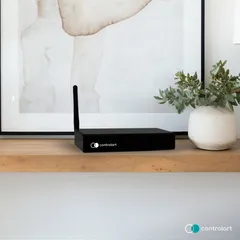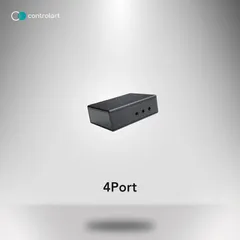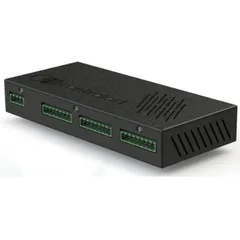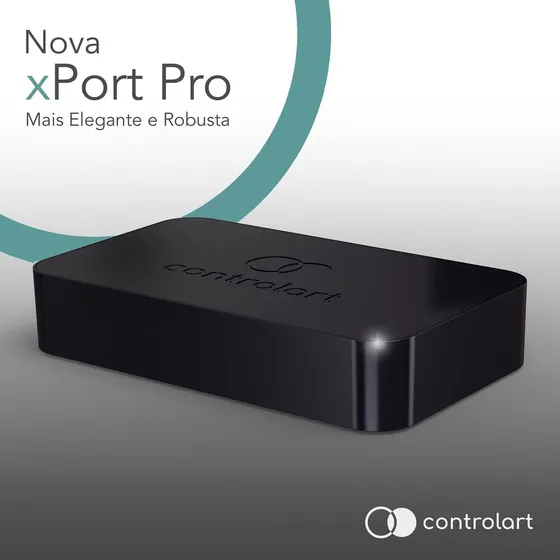
Driver for integrating the ControlArt xPort Pro and 7Port IR/RF/RTS gateways with Control4. Besides native access to the IR and serial ports, it controls RF 433 devices, RTS motors (Somfy and Tube) and the ControlArt xBus lighting, motorization and sensing modules.
All management of the xBus modules and RTS remotes is done in the driver’s Actions tab, with no need for xConfig. The IDs are also kept in the xPort memory, so modules and remotes can be recovered if the driver is removed from the project.
Installation
- Set the xPort IP with the xConfig app, following the manufacturer’s instructions.
- Select the 7Port or xPort model in the “Hardware Model” property.
- Enter the device IP in “IP Address”; once connected, the driver shows the serial number and firmware.
- Enter the key in “License Key” (the driver has a 30-day trial).
- Use the “Adicionar módulo xBus” (add xBus module) Action and power up the module (or pulse input 1 four times) within 10 seconds.
- For RTS shades, use “Adicionar controle RTS” (add RTS remote) with the motor in programming mode.
Features
- Access to the gateway IR ports and RS-232 serial port
- Control of RF 433 devices and Somfy or Tube RTS motors
- Integration of xBus lighting, motorization and sensing modules
- Support for xBus relay and dimmer keypads, RGBW module and RF433 sensor
- xBus modules and RTS remotes registered directly in the driver, without xConfig
- Recovery of the modules and remotes stored in the xPort memory
- One license and one driver for the whole 7Port and xPort line
Requirements
- ControlArt xPort Pro, xPort or 7Port gateway with a static IP
- IP configured with xConfig
- Control4 OS 2.9.1 or later, with internet access for the license
Release notes
- 406
xBus Dimmer Keypad support.
- 405
Licensing system update and xBus Relay Keypad support.
- 404
Fixed the RTS motor index initialization.
- 403
Licensing system update.
- 402
OS 2.9.1 compatibility.
- 401
Fixed IR sending to the RF Blaster module.
- 400
Support for the whole 7Port line with the same xPort license and driver.
- 208
Action to delete a module added in Composer.
- 207
Serial port speed property.
- 206
New model detection, compatible with the new xPort Pro hardware.
- 205
RGBW module support.
- 204
Fixed a variable that caused errors in the logs.
- 203
RF433 Sensor module support.
- 202
Unified the 7Port and xPort RTS, RF and IR drivers.
- 201
RF Blaster module support.
- 200
Improved license control, with driver version update information.
- 102
Added support for the new module line.
- 101
Fixed the initialization code.
- 100
Initial version.