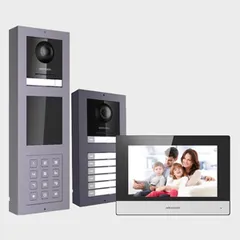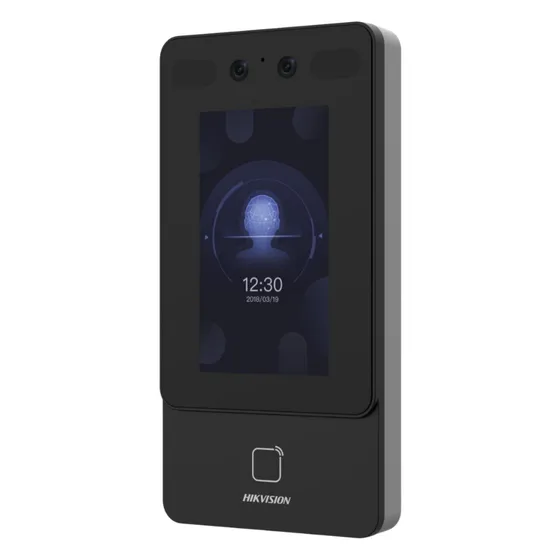
Driver for integrating Hikvision access control terminals with Control4. It receives access granted and denied, door button and doorbell events, and automatically imports the terminal users, creating an event for each one.
The driver sends push and e-mail notifications based on the access result and logs access, lock and door sensor activity in the history.
Installation
- Make sure the terminal has been activated with a tool such as Hikvision SADP.
- Add the driver to the project.
- In the Properties tab, enter the administrator password (“Device Password”) and the terminal IP (“Device IP Address”).
- Set up the notifications (“Send Push Notifications”, “Send Email Notifications”, “Customer Email”) and history logging.
Features
- Push notifications when access is granted or denied
- E-mail notifications when access is granted or denied
- Access granted, access denied and device online/offline events
- Door button and doorbell events
- Per-user event, with users imported automatically
- Access, lock and door sensor logged in the history
- Support for face recognition terminals such as the K1T342 and K1T344MX
Requirements
- Terminal activated beforehand (for example, with Hikvision SADP)
Release notes
- 20261012
Licensing library update.
- 20260416
Added support for new facial models (e.g. K1T344MX) and updated the license code.
- 20250828
Door Station: changed the facial and door station events.
- 20250212
Fixed the HTTP server response message to the device.
- 20240705
Initial release.