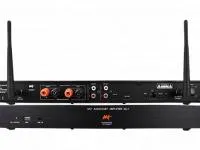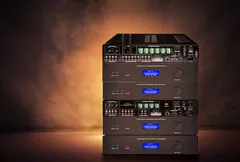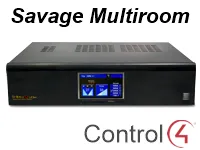
This driver integrates the whole Savage multiroom line with Control4, over an RS-232 serial or IP connection, so the sources and volume of each zone can be controlled from the automation.
The multiroom can stay always on or be turned on and off automatically as zones are activated, and the volume ramp can follow a custom curve.
Installation
- Add the driver to the project
- For serial, make the RS-232 connection (straight-through cable, 115200 8N1); for IP, enter the multiroom address in “IP Address”
- Set “Multiroom Always On” according to the desired use
- Adjust “Ramping Method”, “Volume Ramp Steps” and “Volume Ramp Slops” if needed
Features
- Support for the whole Savage multiroom line
- RS-232 serial or IP connection
- Turn the multiroom on and off by action or command
- Option to keep the multiroom always on or turn it on/off automatically with the zones
- Volume ramp by pulses or custom curve (steps and slope)
- Firmware version and connection status displayed
Requirements
- For serial: straight-through cable, 115200 baud, 8N1
- For IP: DHCP-reserved address or static IP outside the DHCP range
More details about this driver: drivers@zoomdigitalhome.com.br